The Dilemma
You've been a ChatGPT user for a year. You've accumulated:
- 500+ conversations covering everything from work projects to late-night coding sessions
- Custom instructions refined through dozens of iterations until they're just right
- 87 memories capturing your preferences, your job, your communication style
- Plugins and GPTs configured for your specific workflows
Then you try Claude.
The reasoning is... better. The coding is cleaner. The personality feels more natural. You want to switch.
But there's a problem: all that context you've built up? It lives in ChatGPT. Starting fresh with Claude means re-explaining everything. Who you are. How you work. What you like. Months of refinement — gone.
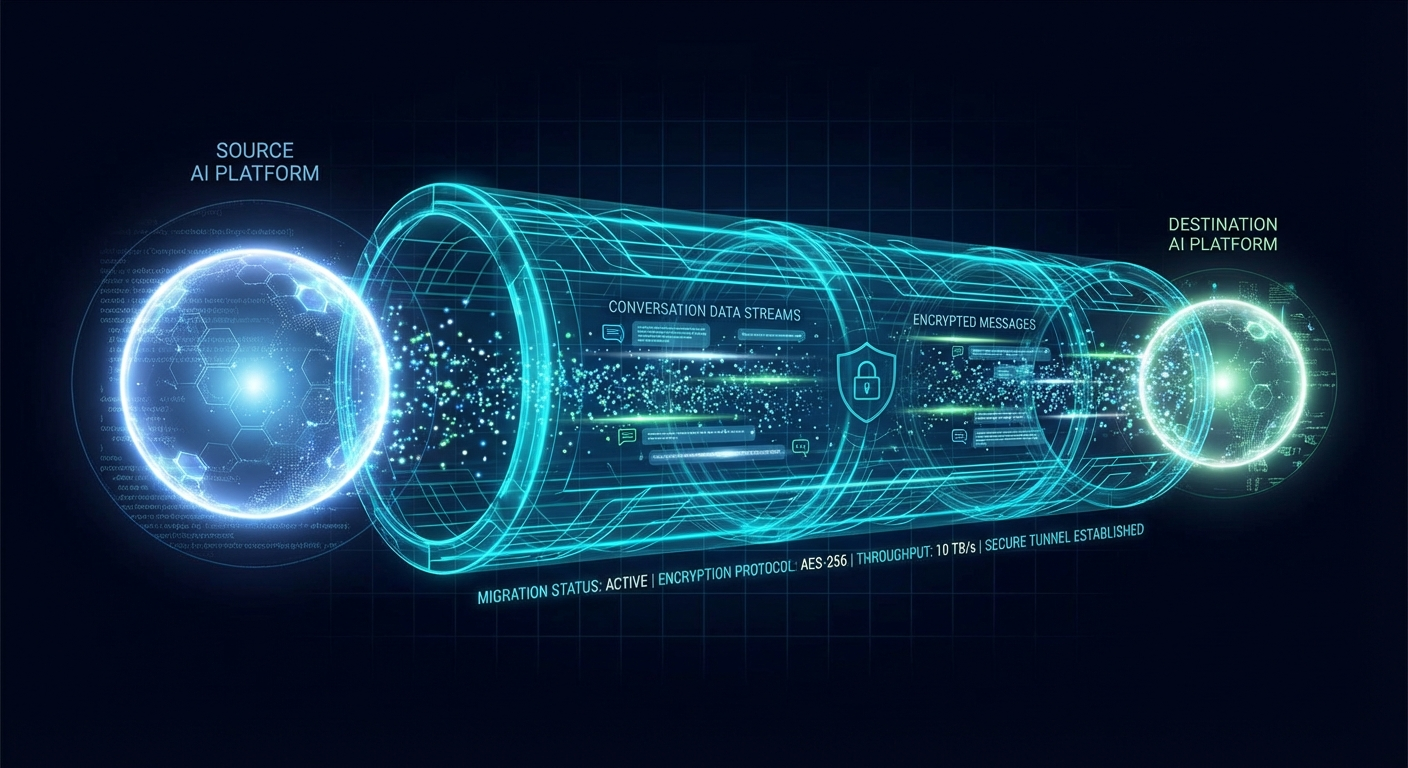
This is the migration tax, and until now, everyone just paid it.
Not anymore.
What's Actually Possible?
Before we dive into the how, let's be realistic about what's feasible. Cross-platform AI migration has hard limits.
What Can Be Migrated
✅ Custom Instructions / System Prompts
Your instructions in ChatGPT can become Claude's system prompt. This is the highest-value migration — it's the core of your AI's personality.
✅ Memories → Claude's Memory
ChatGPT memories can be imported into Claude's memory system. Some reformatting is needed (Claude's memory is less structured), but the information transfers.
✅ Conversation History (Read-Only Archive)
Your ChatGPT conversations can be preserved and made searchable, even if Claude can't "remember" them natively. Think of it as giving Claude access to your historical transcripts.
✅ File Uploads / Knowledge Base
Documents you've uploaded to ChatGPT can be re-uploaded to a Claude project's knowledge base.
What Can't Be Migrated (Yet)
❌ GPTs → Claude Projects
Custom GPTs don't have a direct equivalent in Claude. You can migrate the instructions but not the custom actions.
❌ Plugin Configurations
ChatGPT plugins and Claude's MCP tools aren't compatible. You'll need to reconfigure integrations.
❌ Implicit Learning
Both models learn subtle things from your interactions that aren't captured in explicit memories. This "vibe calibration" doesn't transfer.
The Migration: Step by Step
Let's walk through a complete ChatGPT → Claude migration using SaveState.
Prerequisites
# Install SaveState
npm install -g @savestate/cli

# Verify installation
savestate --version
You'll also need:
- Your ChatGPT data export (Settings → Data Controls → Export Data)
- A Claude account (free tier works, Pro recommended)
Step 1: Export Your ChatGPT Data
First, request your data from OpenAI:
- Go to ChatGPT Settings
- Click Data Controls in the left sidebar
- Click Export data
- Wait for the email (usually 1-24 hours)
- Download and unzip the archive
You'll get a folder with:
chatgpt-export/
├── chat.html           # Rendered conversations
├── conversations.json  # Raw conversation data
├── memories.json       # Your ChatGPT memories (if enabled)
├── model_comparisons.json
├── shared_conversations.json
└── user.json           # Account info
Step 2: Initialize SaveState
# Navigate to your export folder
cd ~/Downloads/chatgpt-export

# Initialize SaveState with encryption
savestate init
You'll be prompted to create a passphrase. This is important — use something strong and memorable. SaveState uses this to encrypt your data. There's no recovery if you forget it.
🔐 Create your encryption passphrase:
(min 12 characters, will not be displayed)

Passphrase: ••••••••••••••••••••
Confirm: ••••••••••••••••••••

✅ Encryption configured. Your data is protected.
Step 3: Snapshot Your ChatGPT State
savestate snapshot --adapter chatgptSaveState will scan your export and create an encrypted snapshot:
📂 Detected ChatGPT data export
├── conversations.json (847 conversations)
├── memories.json (87 memories)
└── user.json (custom instructions found)

🔄 Extracting...
├── Identity: custom instructions, preferences
├── Memory: 87 entries
├── Conversations: 847 threads (234.7 MB)
└── Knowledge: 12 uploaded files

🔒 Encrypting with AES-256-GCM...

✅ Snapshot created: ss-2026-01-30T10-15-23Z-abc123
   Size: 48.2 MB (encrypted)
   Location: .savestate/snapshots/ss-2026-01-30T10-15-23Z-abc123.saf.enc
Step 4: Preview the Migration
Before committing, see exactly what will transfer:
savestate migrate --from chatgpt --to claude --dry-runStep 5: Execute the Migration
If the preview looks good:
savestate migrate --from chatgpt --to claudeSaveState will guide you through the process:
🚀 Starting migration: ChatGPT → Claude

Step 1/4: Preparing Claude environment
  → Creating Claude project "ChatGPT Migration"
  → Project created: proj_abc123

Step 2/4: Migrating identity
  → Setting system prompt... ✅
  → Configuring preferences... ✅

Step 3/4: Migrating memories
  → Converting 87 memories to Claude format...
  → Importing to Claude memory...
    [████████████████████████████████] 82/82 ✅
    (5 reformatted, 0 skipped)

Step 4/4: Transferring knowledge base
  → Uploading 12 files to project...
    [████████████████████████████████] 12/12 ✅

✅ Migration complete!
What Happens to Your Conversations?
Here's an important nuance: Claude can't "remember" your ChatGPT conversations the way ChatGPT did. They existed in a different model's context.
But they're not lost. SaveState preserves them in your encrypted archive, and you can search across them anytime:
# Find that conversation from 6 months ago
savestate search "cocktail recipe for the party"
Output:
📂 Searching across 1 snapshot (847 conversations)...

Found 3 matches:

1. "Party planning ideas" (2025-07-15)
   "...classic margarita with a twist. For the party,
   I'd suggest these cocktail recipes: 1) Spicy Paloma..."
   [View full: savestate view conv_abc123]

2. "Bartending basics" (2025-06-02)
   "...most important cocktail recipes to know are the
   classics: Old Fashioned, Martini, Margarita..."
   [View full: savestate view conv_def456]
Optimizing Your Claude Experience
After migration, there are a few things you can do to get the most out of Claude:
Refine Your System Prompt
Your ChatGPT custom instructions probably work in Claude, but they might not be optimal. Claude has different strengths and quirks.
ChatGPT-style:
You are a helpful assistant. Be concise. When writing code,
use TypeScript and include comments.
Claude-optimized:
Be direct and substantive. Skip preambles like "Great question!"
or "I'd be happy to help."

For code:
- TypeScript strongly preferred
- Include brief comments for non-obvious logic
- Show complete, runnable examples
- Mention edge cases proactively

Communication style: Match my energy. If I'm brief, be brief.
If I write paragraphs, you can too.
Use Projects Effectively
Claude's Projects feature is powerful — you can give Claude persistent access to documents that inform all conversations in that project.
Consider creating projects for:
- Work context — Upload your company docs, codebase overviews, style guides
- Personal preferences — A markdown file with your preferences and common requests
- Migrated knowledge — The files from your ChatGPT uploads
Memory: Quality Over Quantity
Claude's memory is more curated than ChatGPT's. Instead of accumulating hundreds of granular facts, focus on high-impact memories:
Good memories:
- "Prefers detailed technical explanations, not simplified analogies"
- "Works on SaveState, an encrypted backup CLI for AI agents"
- "Uses TypeScript, Vercel, Cloudflare R2"
Less useful:
- "Asked about weather in NYC on January 15"
- "User's favorite color is blue"
Going Back (Or Elsewhere)
The beauty of SaveState is that migration isn't one-way. Your snapshot is platform-agnostic.
# Later, if you want to try Gemini
savestate migrate --to gemini

# Or restore to ChatGPT if you return
savestate restore ss-2026-01-30T10-15-23Z-abc123 --to chatgpt

# Or keep multiple AIs in sync (power user)
savestate snapshot --adapter claude
# Now you have snapshots from both platforms
Your AI identity is no longer trapped. Switch freely.
The Bigger Picture
This guide walked through ChatGPT → Claude, but SaveState supports many migration paths:
| From | To | Support Level |
|---|---|---|
| ChatGPT | Claude | ✅ Full |
| ChatGPT | Gemini | ⚠️ Partial |
| Claude | ChatGPT | ⚠️ Partial (memories only) |
| Any platform | Clawdbot/Moltbot | ✅ Full |
| Any platform | OpenAI Assistants API | ✅ Full |
The universal format (SAF) means any supported platform can import from any other. As adapters improve, so does migration fidelity.
Checklist: Before You Migrate
- ☐ Export your ChatGPT data (Settings → Data Controls → Export)
- ☐ Install SaveState:
npm install -g @savestate/cli - ☐ Create your encryption passphrase (write it down somewhere safe!)
- ☐ Run
savestate snapshotto capture your current state - ☐ Run
savestate migrate --dry-runto preview what transfers - ☐ Review your custom instructions — they may need Claude-specific tweaks
- ☐ Run
savestate migratewhen ready - ☐ Test Claude with a few typical conversations
- ☐ Refine system prompt and memories as needed
Conclusion
Platform lock-in is artificial. Your AI identity — your preferences, your memories, your conversation style — belongs to you.
SaveState makes that ownership practical. Migrate between platforms without starting over. Keep your history searchable forever. Own your data with end-to-end encryption.
The days of paying the migration tax are over.
npm install -g @savestate/cli
savestate init
savestate migrate --help
Questions? Comments? Find us on X @SaveStateDev or open an issue on GitHub.